Captured on a Galaxy Tab A7 Lite (800×1340 px) running Candela in both Library Nocturne themes — brass on warm-dark or brass on parchment cream. The shots below swap with your current preference; toggle the theme in the page header to see both.
Browse
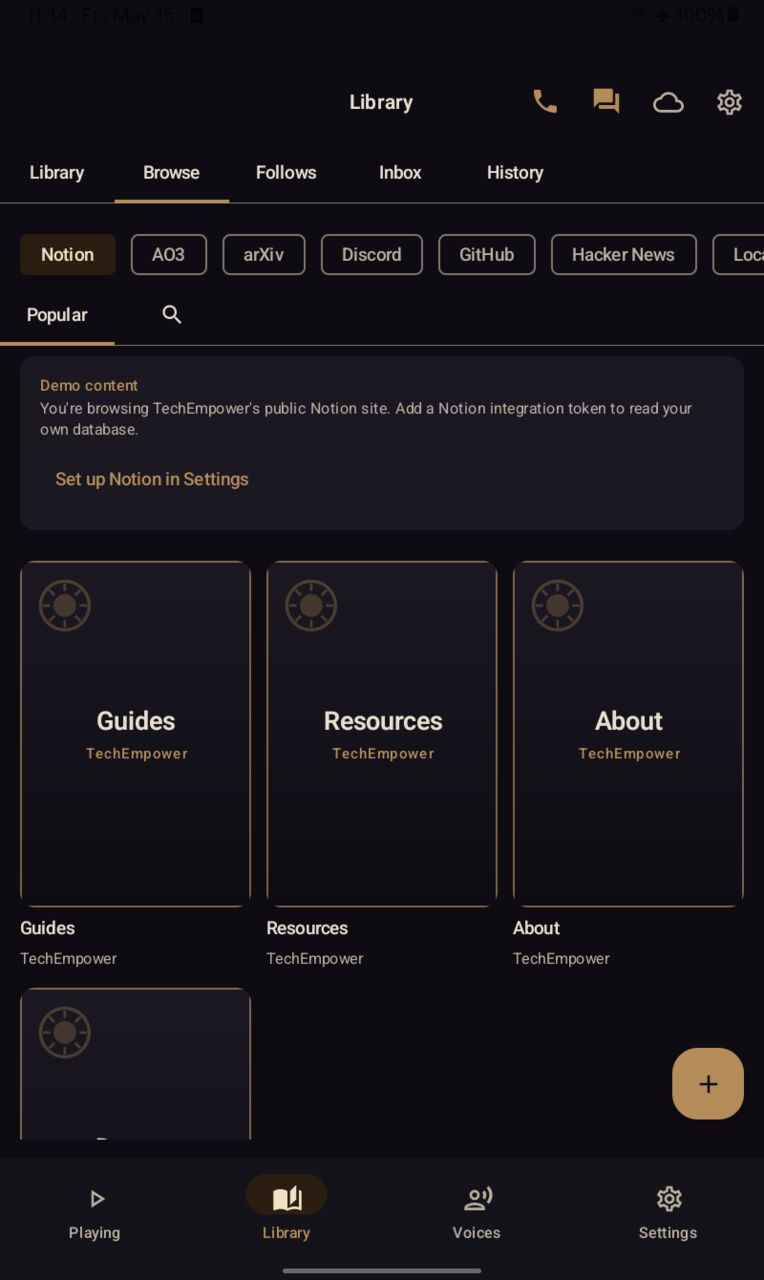
Browse — Notion chip is the default selection (v0.5.48+), surfacing TechEMPOWER's free-tech resource library (Guides, Resources, About, Donate). Brass-edged synthetic BrandedCoverTile stand-ins fill where the source page has no explicit cover image (v0.5.51, #514).
TechEMPOWER Home
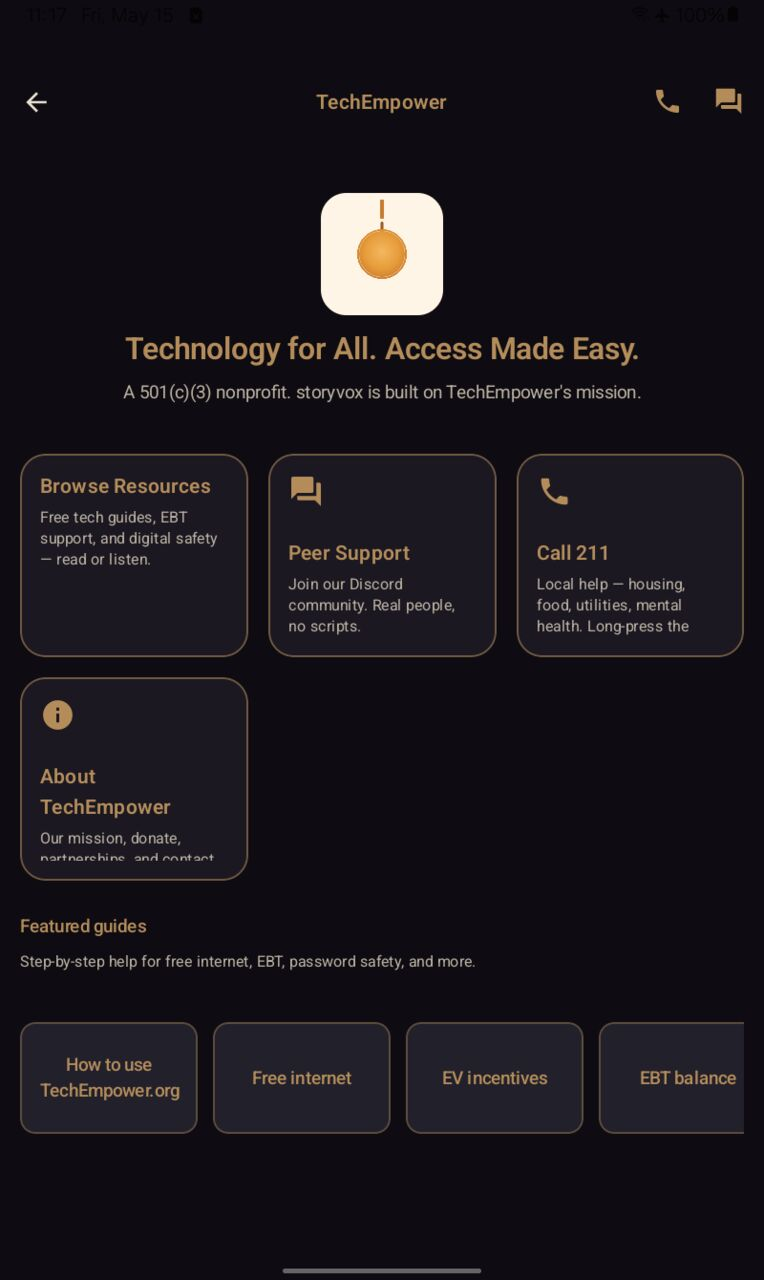
TechEMPOWER Home — tap the brass hero card at the top of Library to reach this screen. Four primary cards (Browse Resources, Peer Support via Discord, Call 211 for local services, About TechEMPOWER) plus a Featured guides shelf. The two help paths sit alongside browsing, never under a Settings menu. (Shipped v0.5.51 #511.)
Filters
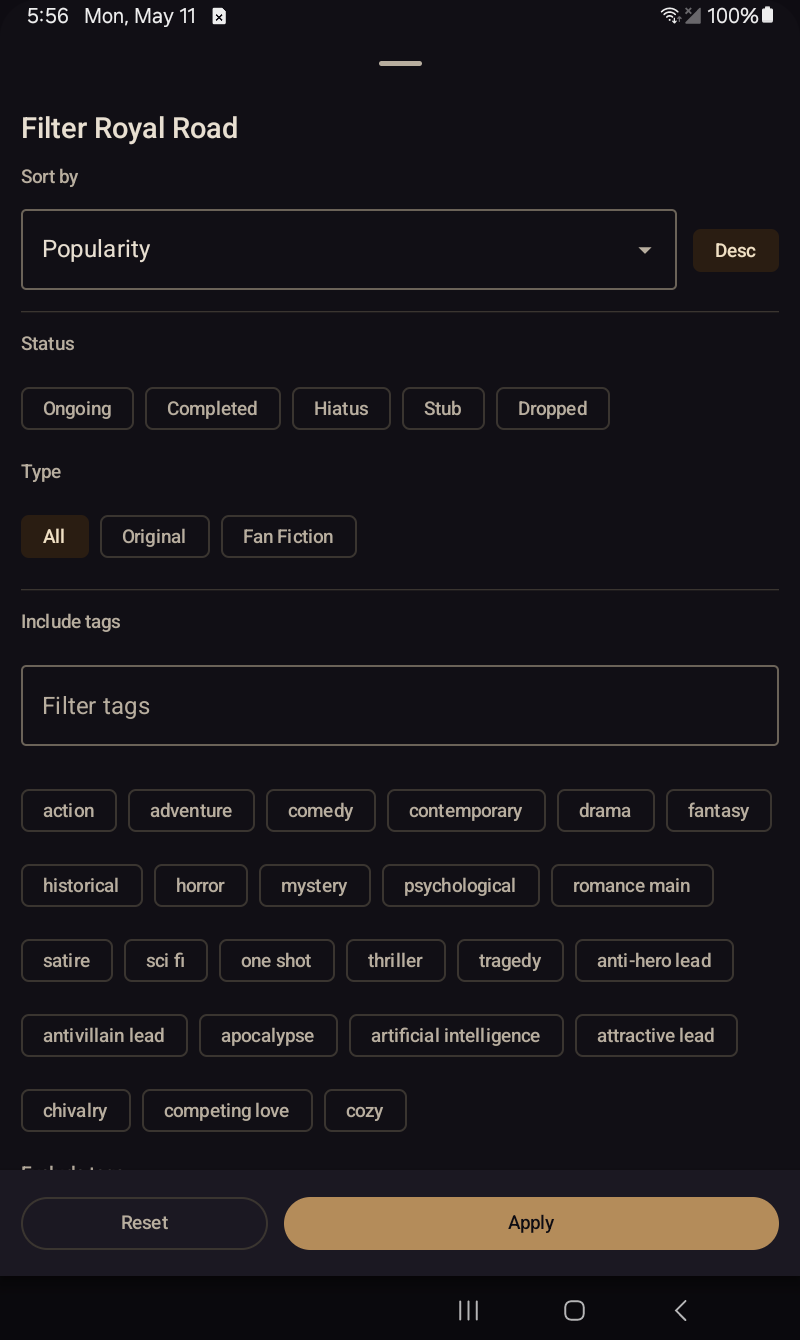
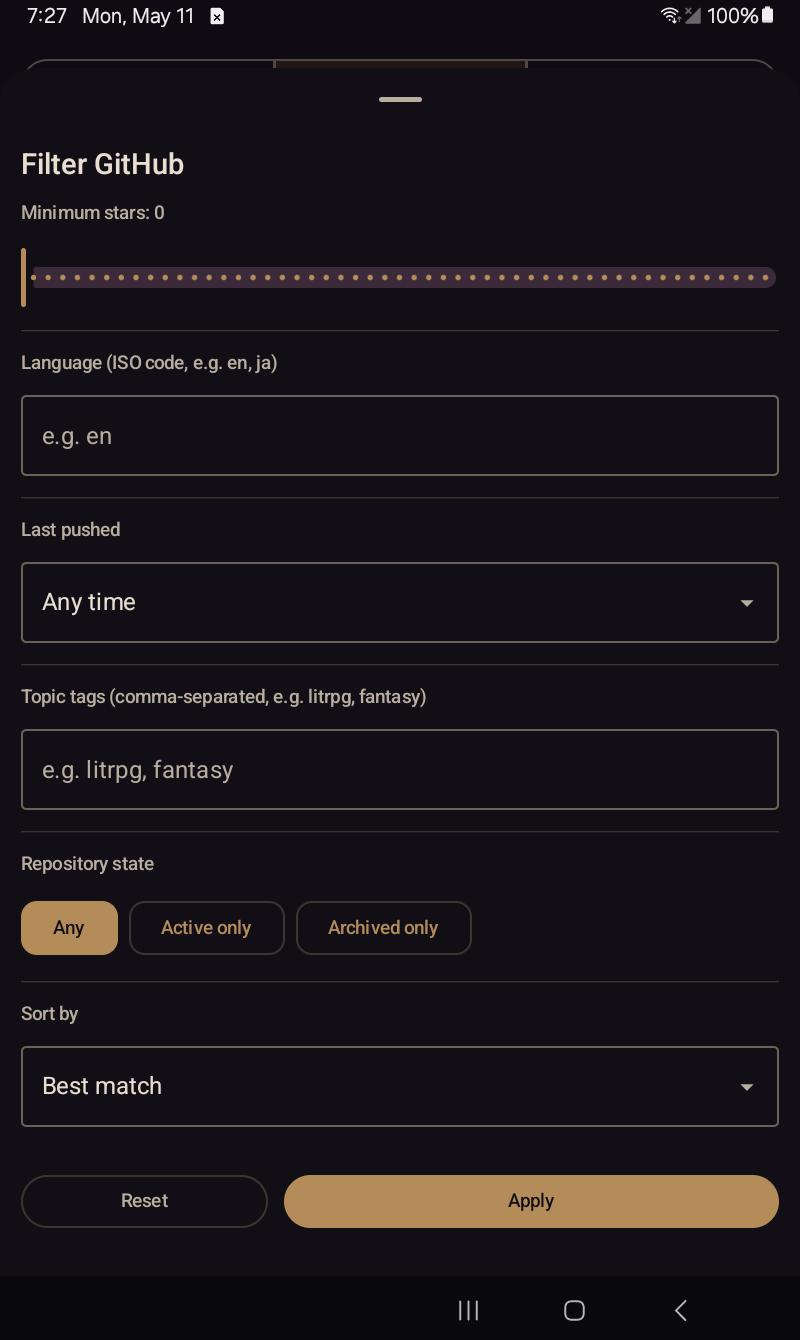
The full Royal Road filter set — sort, status, type, tags include / exclude, length, rating, plus content-warning pills (Profanity, Sexual, Violence, Sensitive, AI-assisted, AI-generated).The GitHub filter sheet — minimum stars, language code, last-pushed window, topic tags, repository state (Any / Active only / Archived only), sort order.
Fiction detail
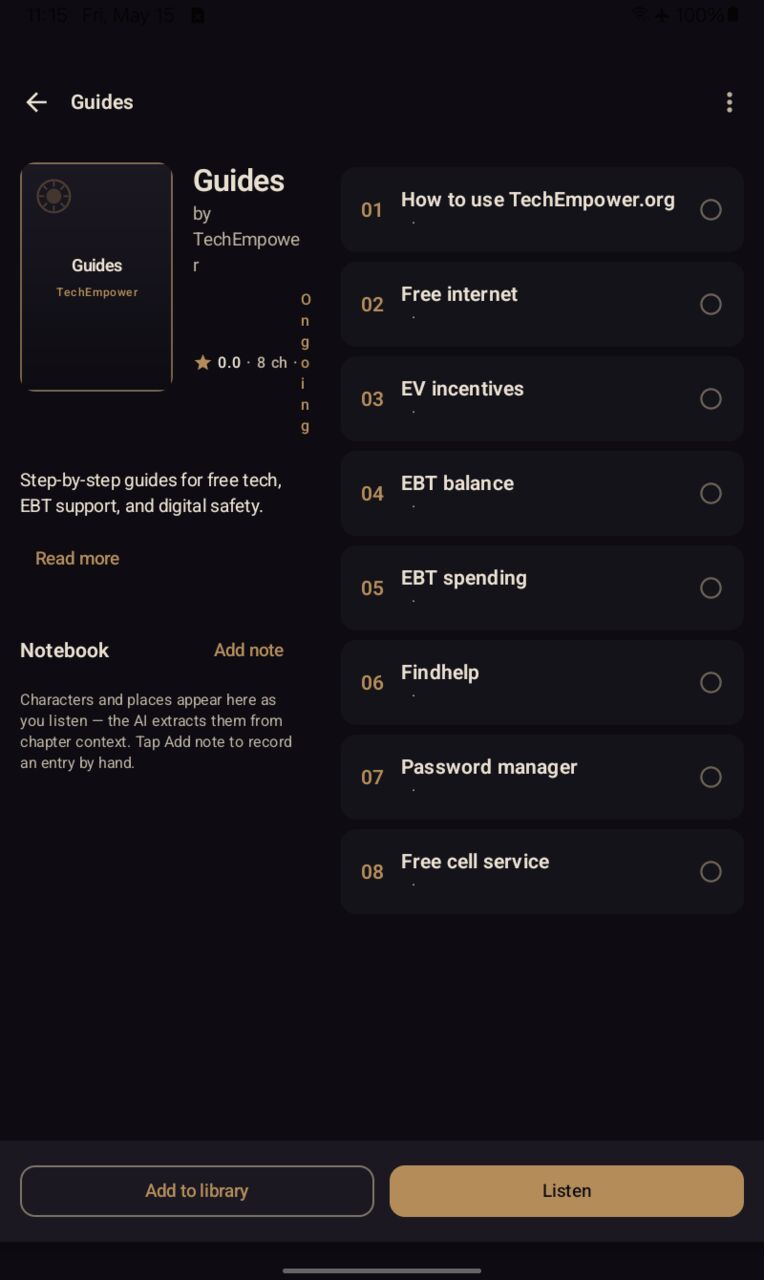
Fiction detail — synopsis, tags, chapter list, follow / unfollow, jump to first unread.
Reader / audiobook view
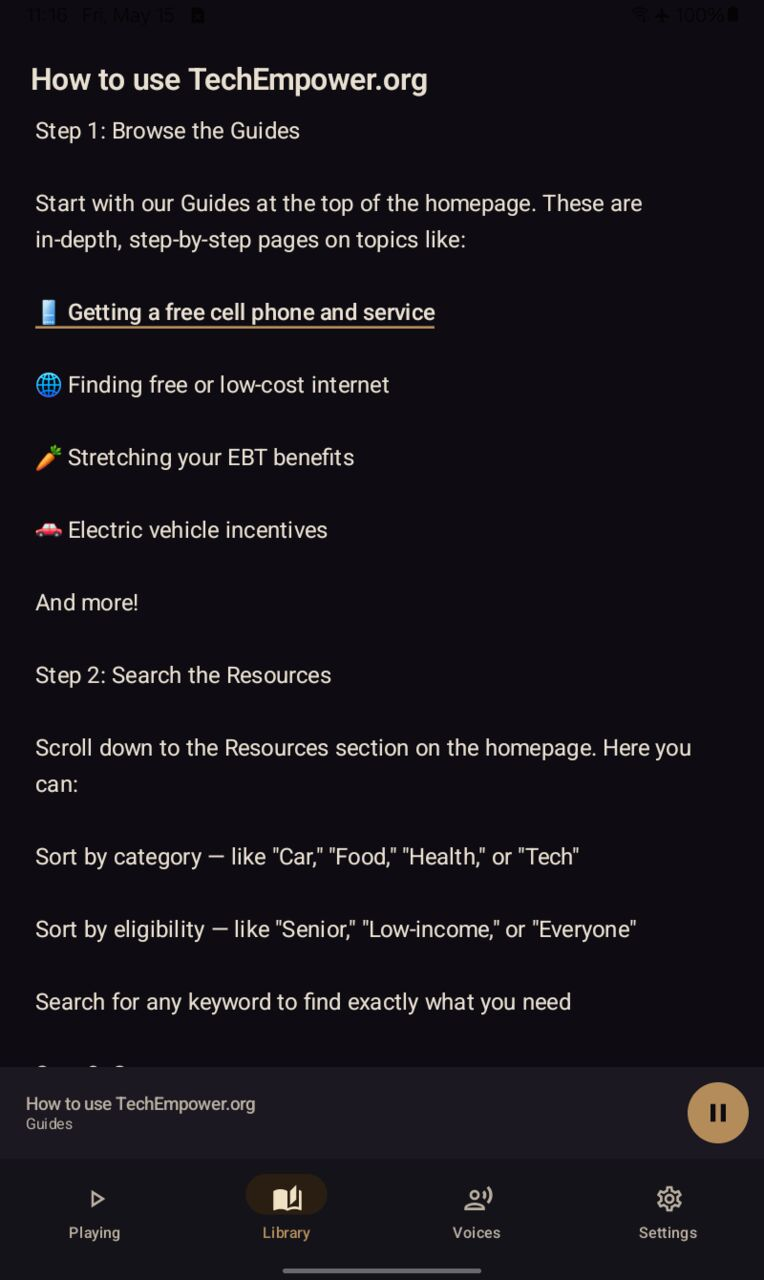
Reader — the spoken sentence glides in brass as TTS plays. Swipe left for the audiobook view (cover, scrubber, transport controls).
Library
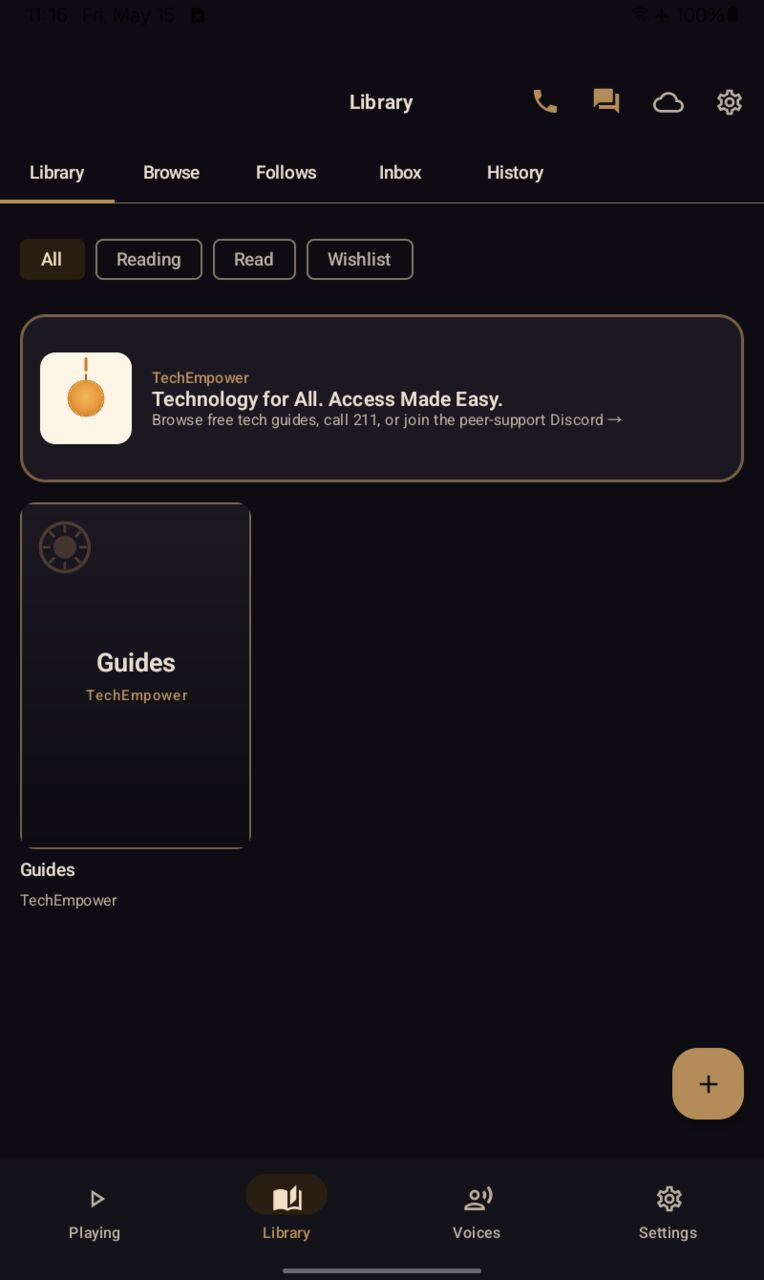
Library — the brass TechEMPOWER hero card sits at the top of the tab (tap → TechEMPOWER Home). Library tiles below show the All / Reading / Read / Wishlist filter chips and the four-tab dock {Playing · Library · Voices · Settings} anchored at the bottom (v0.5.50 final layout).
Settings
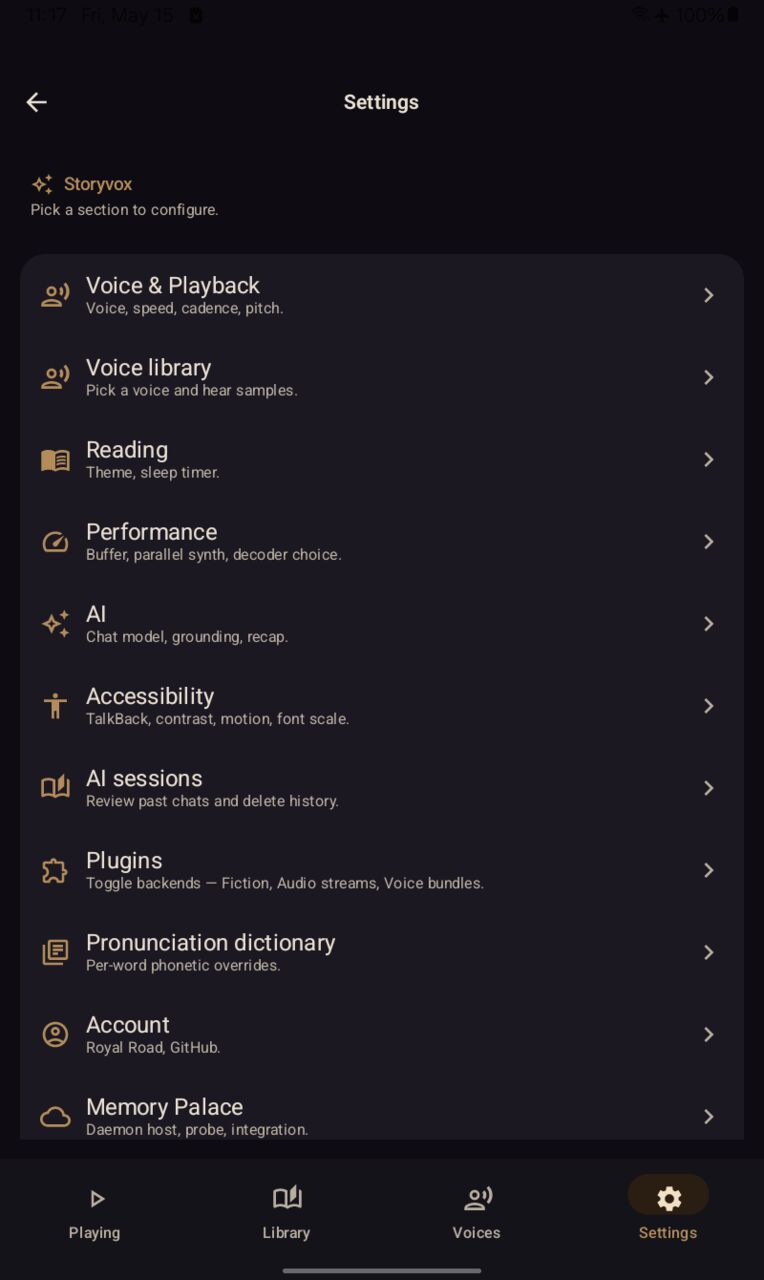
Settings hub — brass-edged section cards (thirteen total, post-v0.5.42 redesign). Voice & Playback, Voice library, Reading, Performance, AI, Accessibility, AI sessions, Plugins, Pronunciation dictionary, Account, Memory Palace surface above the fold; scroll for the remaining cards.
Accessibility (Settings subscreen)
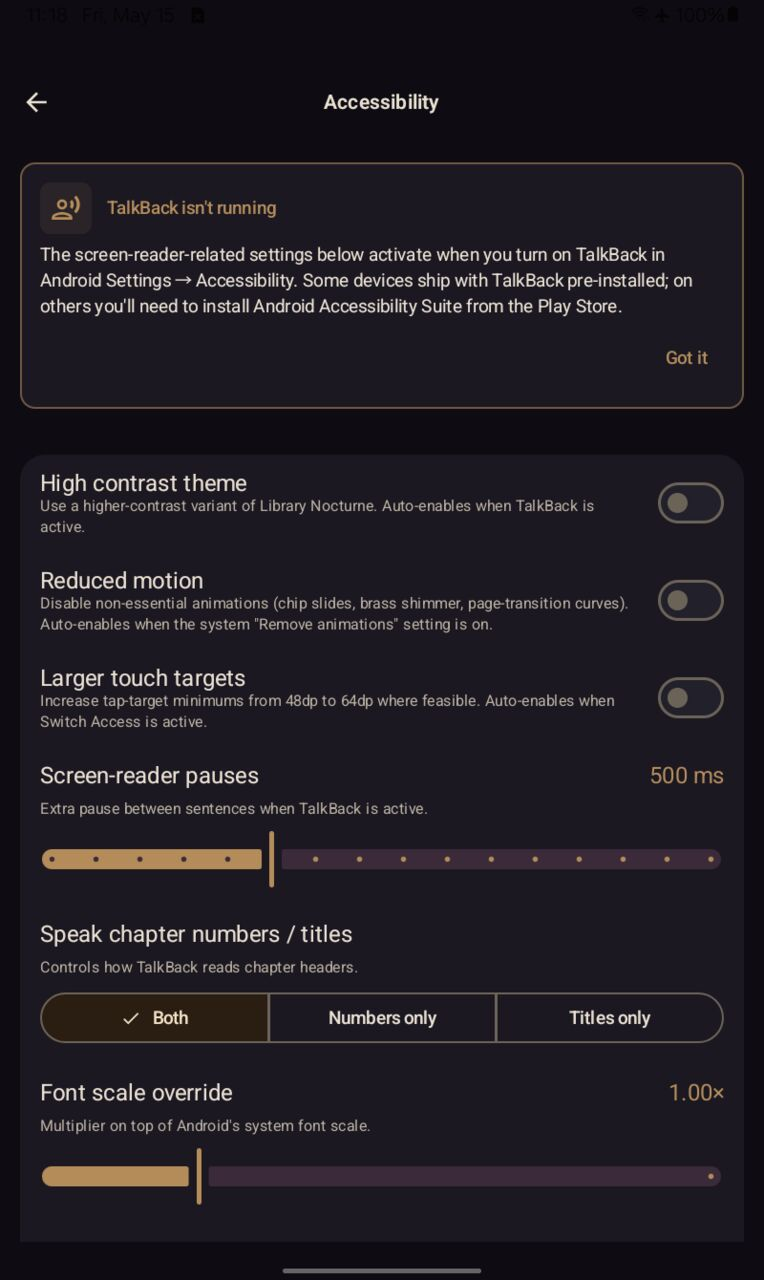
Accessibility (Settings → Accessibility) — High contrast theme, Reduced motion, Larger touch targets, Screen-reader pauses (500 ms default, persists when TalkBack is active), Speak chapter numbers / titles segmented control, Font scale override. Twelve a11y findings closed across v0.5.43 land in this subscreen.
Follows
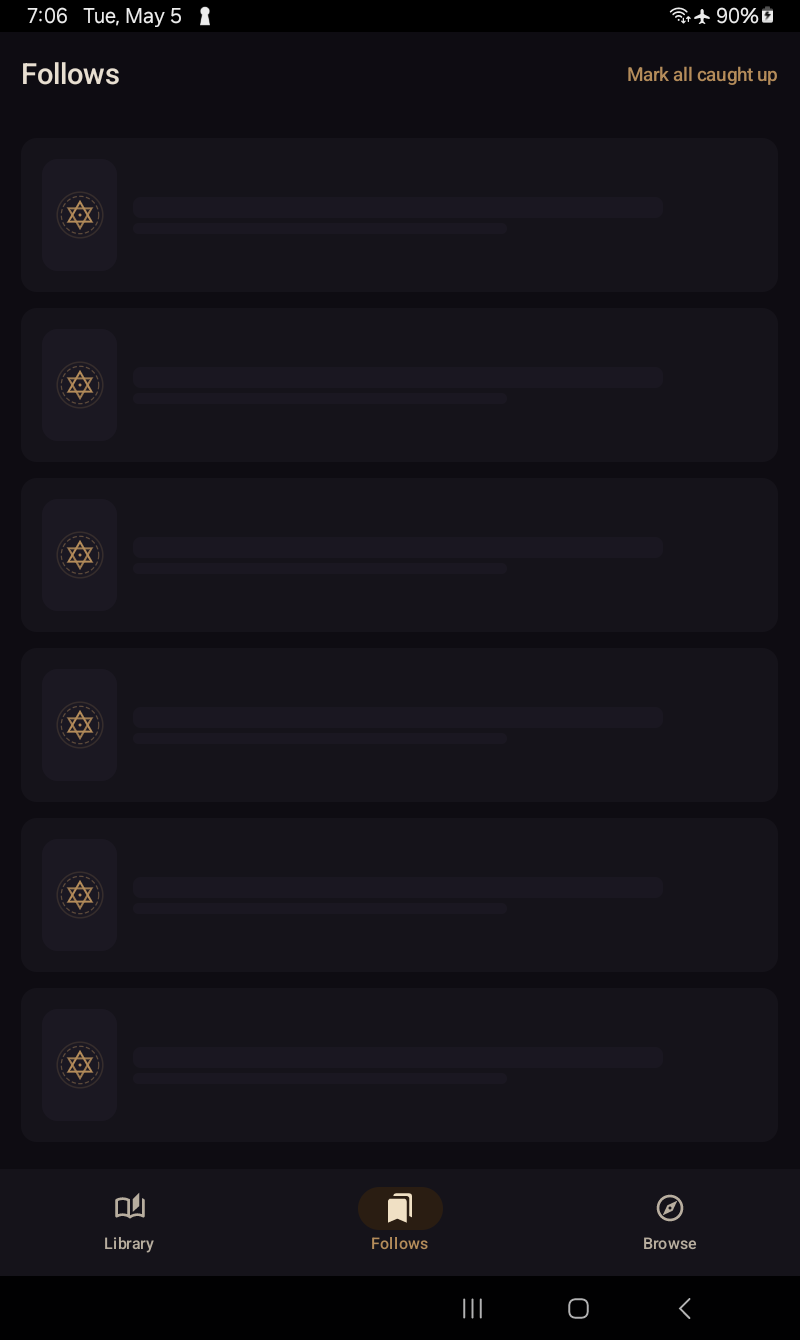
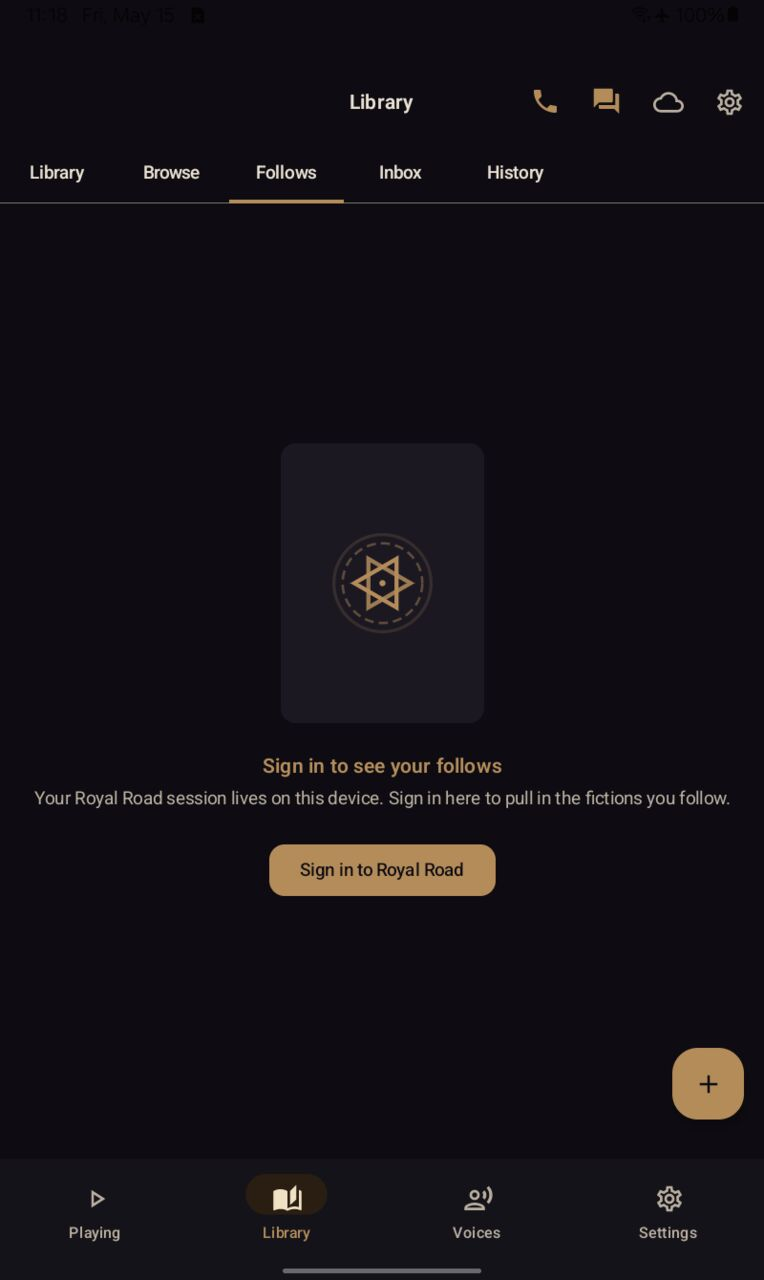
Follows — sync in progress. (Loading-state capture is timing-sensitive; light variant pending.)Follows — Royal Road sign-in surface. Dark capture shows the populated list once signed in; light shows the empty / sign-in prompt.